
本気の文書作業のためのオールインワンPDFワークスペース。
Windows間で、PDFの閲覧、編集、同期、そしてAIとの対話をシームレスに。
For Desktop
All-in-one PDF Solution. Every Device.
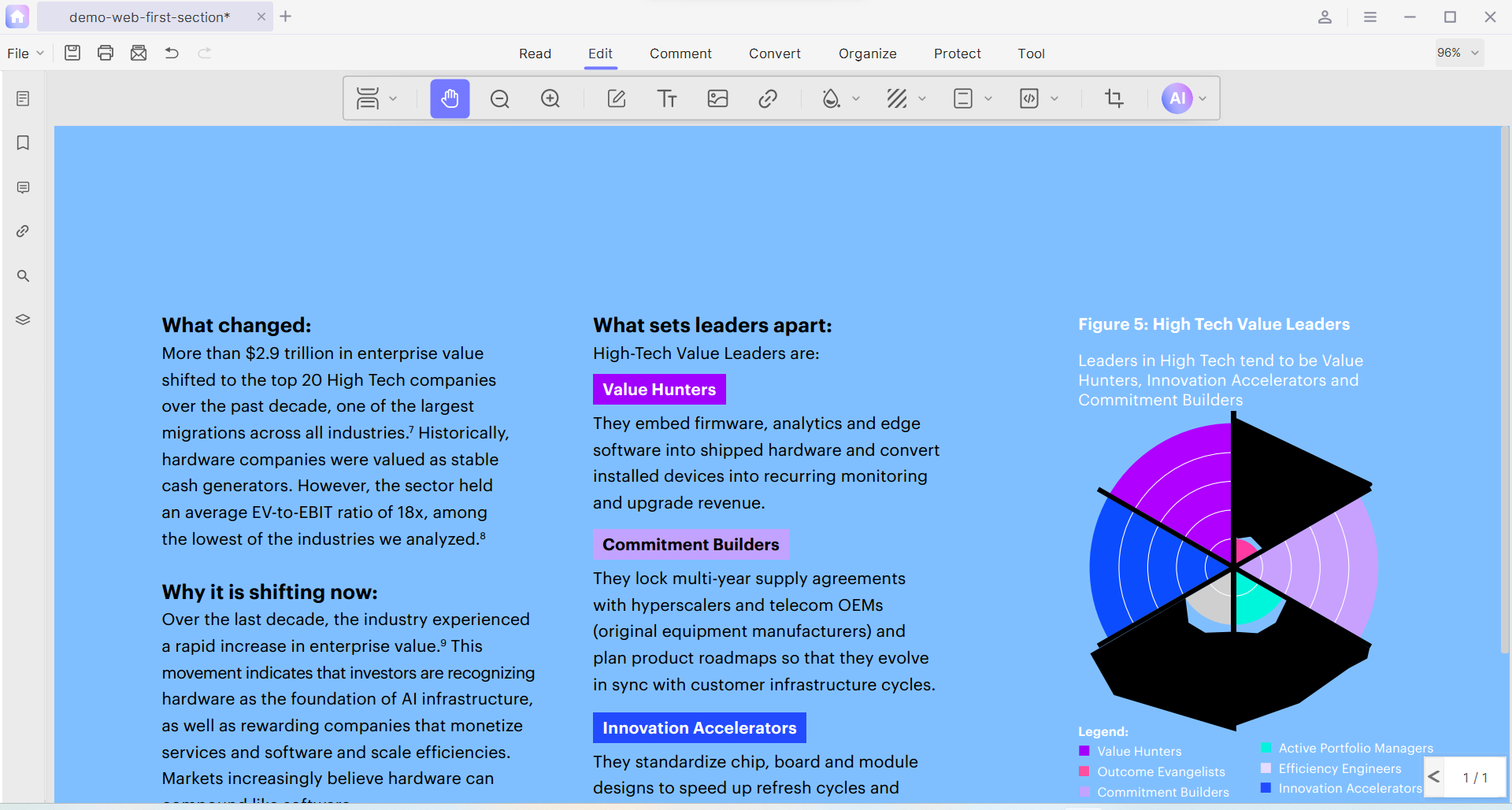
Parallel Reading & PDF Translation help you break language barriers effortlessly. Experience seamless side-by-side viewing while translating words with a simple drag, quick-selecting sentences, or converting entire documents in one click. It's your ultimate tool to read smarter and understand faster.
All-in-One Batch PDF Tools
Power Through Thousands of PDFs in Seconds
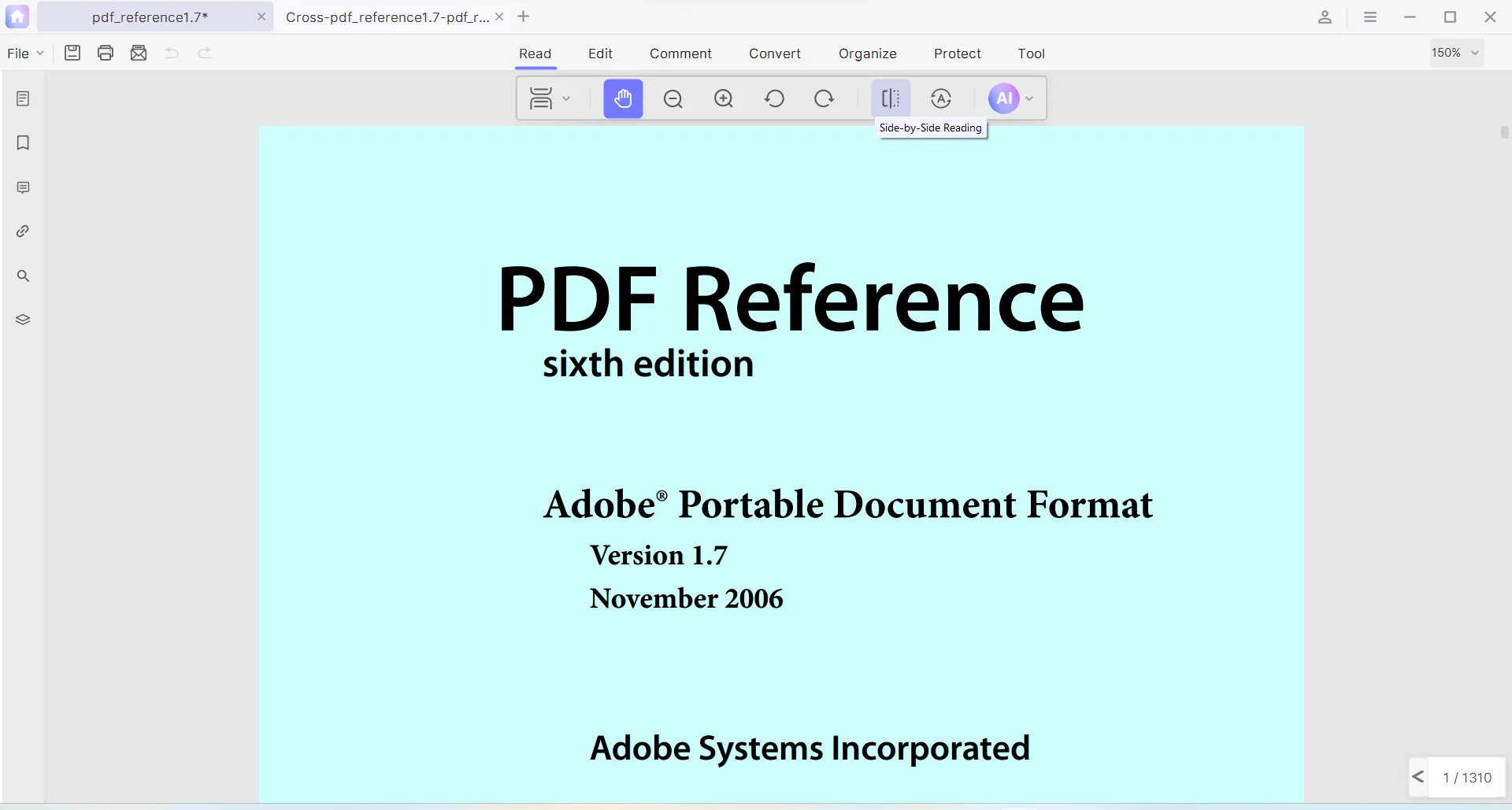
Stop wasting time on repetitive tasks. Use advanced batch actions to convert, create, split, merge, and compress your files simultaneously. One click, infinite efficiency.
Boost My Efficiency Now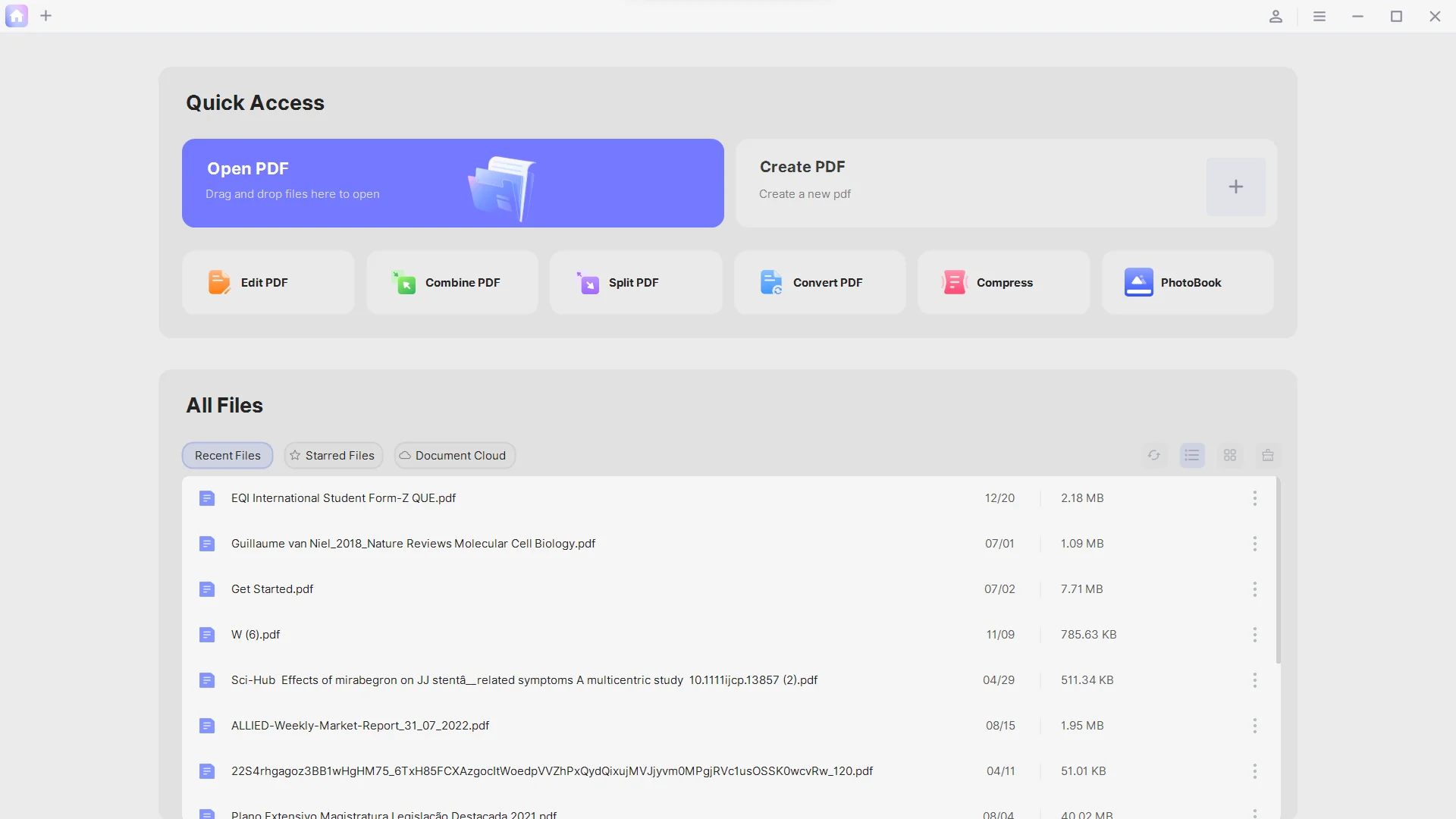
Photo Book
Turn Memories into Masterpieces: The Ultimate PDF Photo Book Maker
Transform hundreds of photos into a beautifully organized PDF photo book in seconds. Choose from grid layouts like 2x2, 2x3, or 3x3 to archive your life, streamline photo management, and build your personal memory system.
Create Your Photo Book Now


























Smart Grid Layouts
Flexible 2x2, 2x3, and 3x3 grids that auto-fit your photos perfectly without cropping.
Massive Bulk Processing
Compile hundreds or thousands of high-res images into a single, compact PDF.
Your Personal Memory System
Easily tag, search, and archive your life milestones for effortless long-term management.
News & Insights
Stay ahead with the latest trends in AI document intelligence and get the first look at ArkoPDF's official product updates and breakthroughs.
ArkoPDF 2.0: Introducing the AI Document Workspace
ArkoPDF 2.0 ships with a fully AI-first document workspace: contextual chat, smart summaries, mind maps, and natural-language editing commands.
Resource Center
Everything you need to master ArkoPDF. Get instant access to installation packages, detailed tech specifications, step-by-step user guides, and fast solutions.
Download Center
Get the latest stable builds for Windows. Support for single-click offline installers and enterprise MSI deployment packages.
Get ArkoPDF NowTech Specs
Check system requirements, supported file formats (Word, Excel, JPG to PDF), encryption standards (AES-256), and AI language learning models capacity details.
View SpecificationsUser Guide
Step-by-step documentation, video tutorials, and pro-tips to help you master advanced batch workflows, Photo Book creation, and natural language AI prompts.
Explore TutorialsFAQ
Instant answers to frequently asked questions regarding trial limitations, account activation, subscription management, and offline AI processing tokens.
Find Answers誰もが使える、軽快な PDF エディタ
有料プランではローカル PDF ツールが無制限に。AI Copilot はクレジット方式で、Pro は月30、Lifetime は100(一度きり)、いつでも追加できます。
無料
- プレミアムツールを各3回試用(編集・一括・OCR・ページ・分割結合)
- 無料で3回使うと、バッチ・変換・OCR はアップグレードまで停止します
- 編集・ページツールは無料3回のあと試用の透かしが入ります
- AI Copilot: 無料3回 · 全文翻訳5ページ(一度きり)
- インライン翻訳: 無制限
Pro
初年度、以降 $39.99/年
- テキスト・画像・レイアウトの無制限編集
- 10以上のプロ注釈ツール(ハイライト・スタンプ・フリーハンド)
- OCR とページツール: 整理・透かし・ヘッダー/フッター・Bates
- 一括変換/結合/分割は無制限
- PDF フォトブックと全文翻訳(Copilot クレジットを消費)
- 並列表示の Pro リーダー
- Copilot AI: 毎月30クレジット(毎月リセット)
Lifetime
一度きり · Copilot クレジット付き
- Pro の全ローカルツールと機能を永年利用
- 将来のアップデートも含む
- サブスクなし — 一度払うだけ
- Copilot AI: 100クレジット(一度きり)を同梱
- 期限切れのない Copilot パックをいつでも追加
💡 AI の課金について: 有料プランではローカルツールは無制限。Copilot と全文翻訳はクレジットを消費します — Pro は月30、Lifetime は一度きり100、期限切れのないパックはいつでも追加できます。驚きの請求はありません。